VENDERIT
Get a Quote

Mobile App Development

Android App Development in the Philippines, Built for the Phones People Own

A branded Android app on Google Play in 10 working days, tested on the cheap handsets your customers actually carry.

Android app development in the Philippines is where the first app budget belongs: most phones in this country run Android, and a large share of them are entry-level handsets running on mobile data rather than office WiFi.

App · installed

A phone cycling through the home, service, booking and profile screens of a Philippine home-services app, ringed by home-screen icon, push notification, offline sync and app-store cards.

Your own app on their phone — booking you in a few taps, signal or not.

Pro package with a branded Android app included
₱149K

Pro package with a branded Android app included

Typical Pro build time
10 days

Typical Pro build time

In the Philippines run Android
Most phones

In the Philippines run Android

Lifetime AI assistant inside the app
Free

Lifetime AI assistant inside the app

What's included

01

A branded Android app inside the ₱149,000 Pro package

Your icon on the home screen, your name on the store listing, published under your own Google Play account. It is a real Android app, not a browser window wrapped around your website — and it comes with the site, not instead of it.
02

Built for the phones your customers actually own

We ship an Android App Bundle so each handset downloads only the parts it needs, keep images light, and support older Android versions rather than only the newest. Checked on entry-level phones with little free storage, not just on a fast test device.

03

Google Play Console handled end to end

Play App Signing, the data safety declaration, content rating questionnaire, target API level, permissions justification, privacy policy, store listing copy and screenshots at every required size. Most Play rejections are paperwork, so we file the paperwork properly.

04

Push notifications that bring people back

Firebase Cloud Messaging wired into your admin panel, so your team sends an offer, a booking reminder or a new-listing alert without a developer. Segment by customer type rather than blasting everyone and training them to mute you.

05

Payments the way Filipinos pay

GCash, Maya, cards and bank transfer for in-app orders, plus cash, COD and over-the-counter payments recorded properly through the admin panel so your books still reconcile at the end of the day.

06

Staged rollout and crash monitoring

New releases go to a slice of your users first while we watch crash reports come in, then to everyone once it's clean. If something breaks on a handset we didn't anticipate, we find it before the whole customer base does.

How we work

  1. STEP 1

    Pick the two jobs the app must do

    We cut the wishlist to what customers will open the app for — order, book, browse listings, collect points — and put the rest in version two.

    You get: A written feature list and screen map

  2. STEP 2

    Design for a small budget screen

    Material 3 layouts drawn for one-handed use and reviewed on a real Android handset, so you feel the taps before we build anything.

    You get: Approved Android screens reviewed on a real phone

  3. STEP 3

    Build the app bundle and the backend

    One Flutter codebase compiled for Android, plus the backend, admin panel, payments and AI assistant training.

    You get: A signed Android App Bundle plus a working admin panel

  4. STEP 4

    Test on real handsets, on mobile data

    Budget phones, older Android versions, weak signal and no signal. We turn the WiFi off rather than assuming it works.

    You get: An internal testing track build and a closed defect list

  5. STEP 5

    Publish to Google Play and roll out

    Submission, data safety, listing assets, then a staged release watched against crash reports before it reaches everyone.

    You get: A live Play Store listing under your own developer account

What we build with

  • Flutter
  • Dart
  • Kotlin
  • Android Studio
  • Android App Bundle
  • Google Play Console
  • Play App Signing
  • Firebase Cloud Messaging
  • Firebase Crashlytics

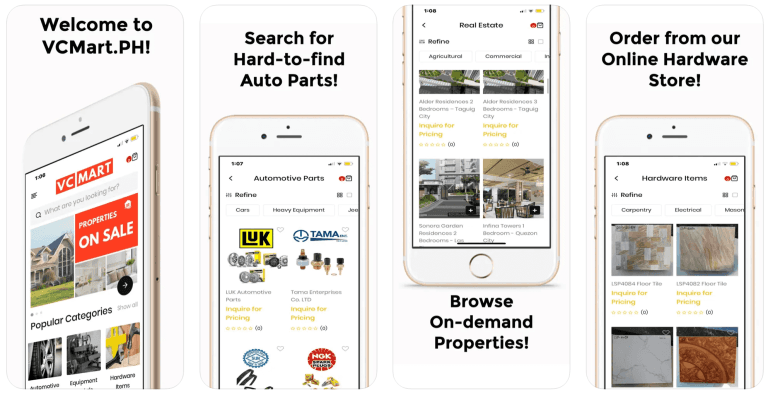
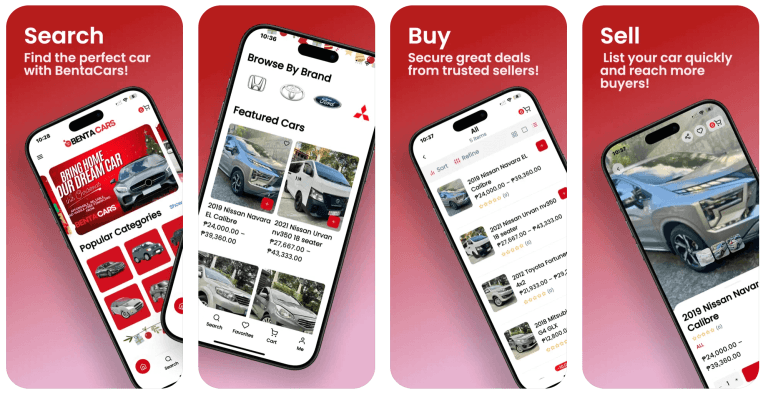
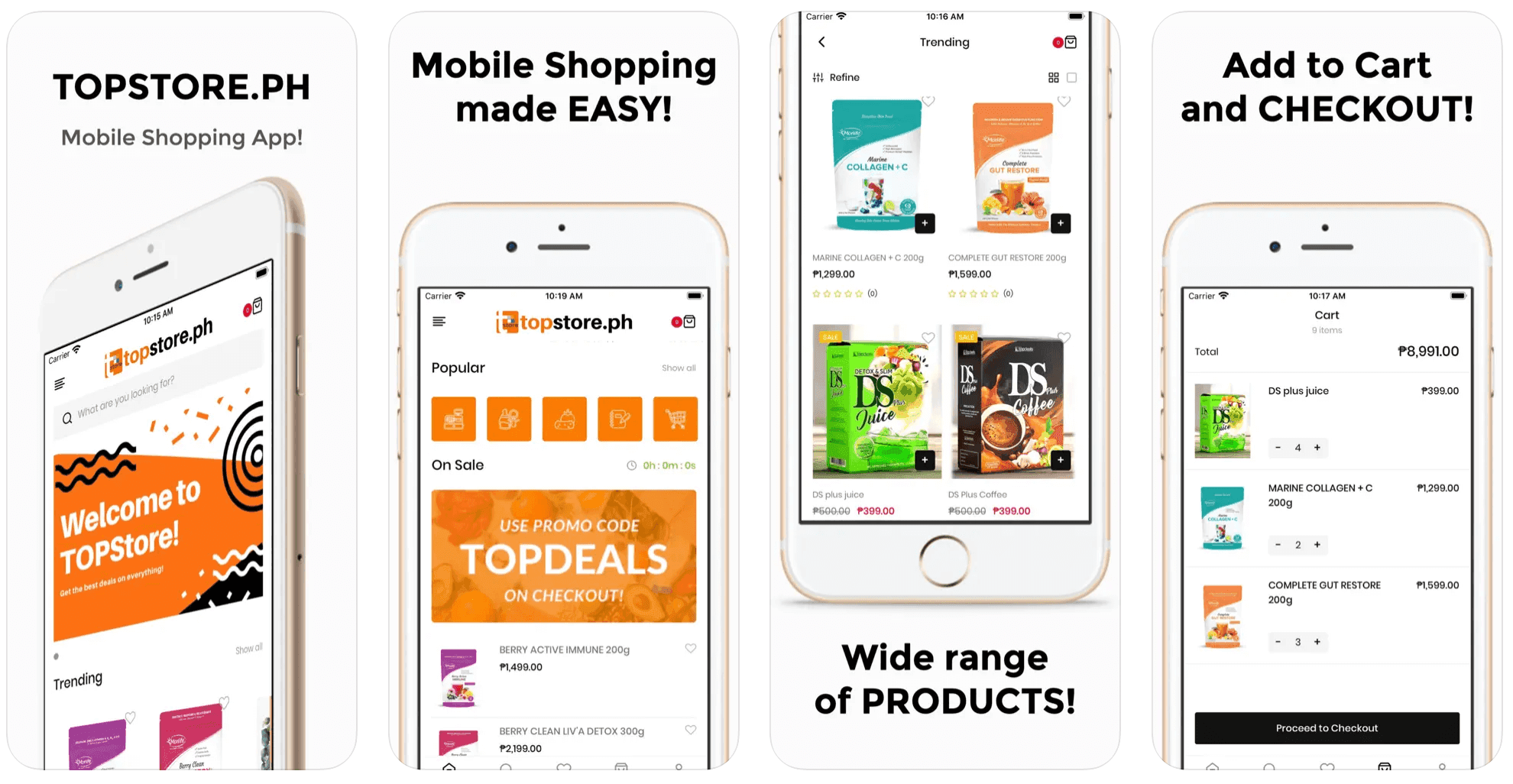
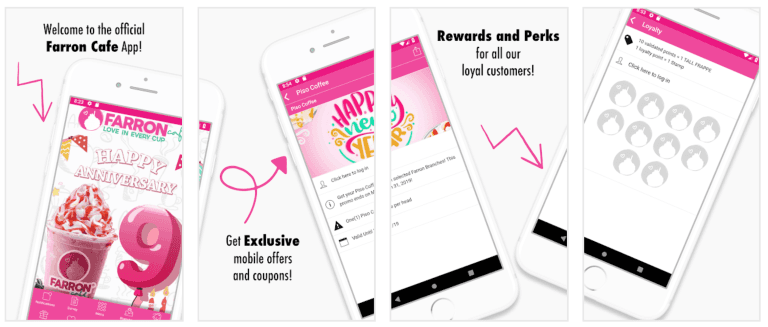
Projects we've delivered

Pricing

Branded Android apps from ₱149,000 — included with your website in the Pro package

Pro at ₱149,000 covers your website plus a branded Android app in 10 working days. Business at ₱199,000 is the 15-day enterprise build with custom workflows, integrations and both stores. Starter at ₱99,000 is the website alone if the app can wait. 50% down, the rest against milestones. Google's one-time Play developer registration fee is billed to you directly. Cloud hosting runs from ₱499 a month after the first free year.

See what's included

Questions

Answers before you ask

Something not covered? Message us — a real person from the team replies, usually the same day.

Ask us directly

Because that is what people are holding. Most phones in this market run Android, and a large share of them are entry-level handsets bought outright rather than on a plan. Reaching your customers means running well on a phone with limited RAM, little free storage and a mobile-data connection. Building for iOS first means paying more to reach fewer local customers. Start on Android, add iOS when your numbers justify it.

Yes. Pro at ₱149,000 covers your website and a branded Android app, published under your own Google Play account in 10 working days. It carries the same inclusions as every package: lifetime AI assistant, admin panel, CMS, full SEO setup, unlimited listings and users, cloud hosting, company domain emails, training, documentation and a 1-year warranty. The only thing billed separately is Google's own registration fee.

Google charges a one-time registration fee — currently around US$25 — billed to you directly, because the account belongs in your business name. That is the whole store cost for Android, where Apple charges yearly instead. We set the account up with you, publish under it, and hand over console access so the listing, the reviews and the install numbers stay yours from day one.

Usually a few days for a first submission and faster for updates, though brand-new developer accounts get looked at more closely. Delays almost always come from paperwork rather than code: the data safety form, permissions you cannot justify, or a privacy policy that does not match what the app actually collects. We complete those before submitting, and any rejection is fixed under your 1-year warranty.

That is exactly what we test for. The Android App Bundle means each phone downloads only the parts it needs, images are kept light, and we check the app on entry-level handsets over mobile data instead of office WiFi. Screens that need data show something useful while they load rather than a blank page, and the app tells the customer plainly when the connection has dropped.

We can, and for internal staff tools it is often the right call — a direct install or Play's internal testing track keeps a team app out of the public store. For customer apps, publish on Play. People trust the store badge, updates install themselves, and an installer file passed around Messenger looks exactly like the scams your customers have been warned about.

Google raises the required target API level every year, and an app that falls behind stops being offered to new users. We rebuild for it. Those rebuilds are free during your warranty year and part of support afterwards. Policy changes around permissions, data safety declarations and account deletion land regularly too, and we update both the app and the listing to match.

More mobile app development services

Let's talk about your project

Tell us how your business works. We'll come back with a clear recommendation, a timeline and a price — no obligation.